Artists Playbook
How-to GalleryTalk
Welcome to the GalleryTalk Playbook — your step-by-step guide to setting up, sharing, and growing your digital gallery.
"In art there are no boundaries, only horizons." – Frida Kahlo
As an artist, your work deserves to be seen, experienced, and appreciated. But in an online world filled with distractions, simply showcasing your art isn't enough. Success comes from building visibility, engaging your audience, and creating meaningful connections with visitors and collectors.
This playbook will help you set up your gallery, host your first event, invite visitors, and build real connections with your community — face-to-face, online.
Your art has a story — let's make sure the world hears it.
Sign Up & Your First Steps
Getting started as a new user takes less than 5 minutes.
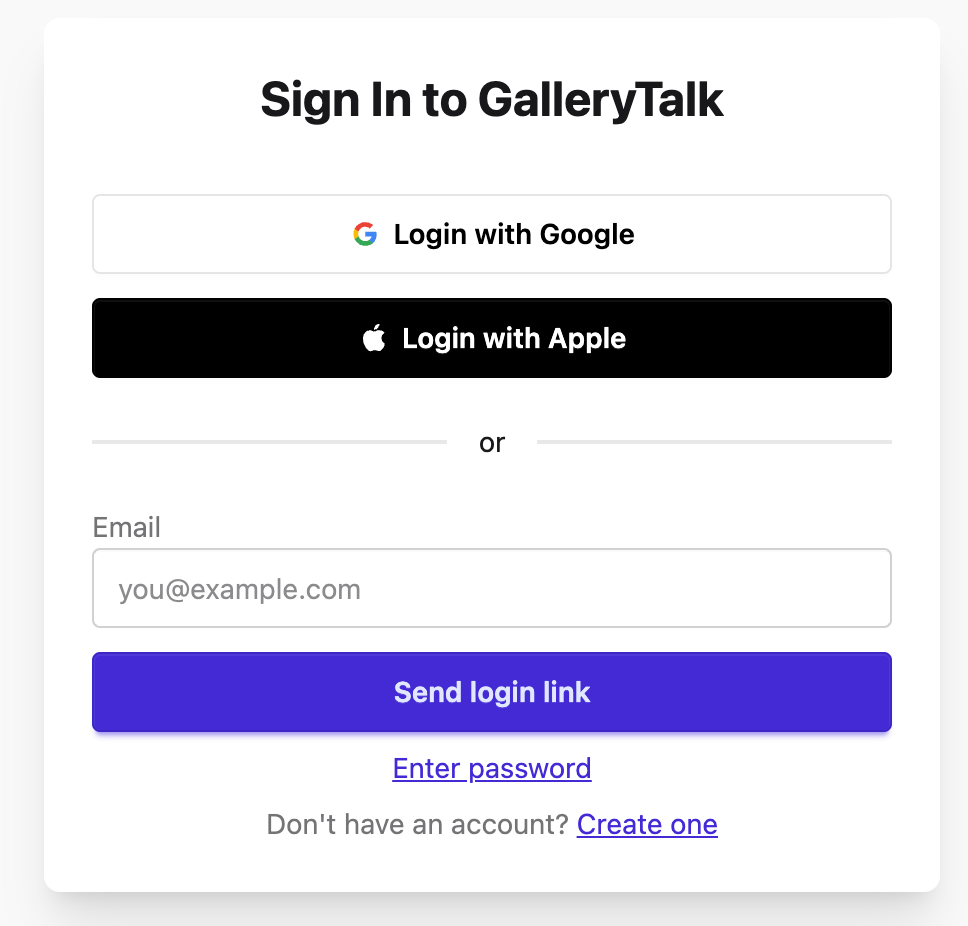
Go to gallerytalk.io and click "Create Gallery". That's it — you're in.
You land directly inside your own empty 3D gallery. The walls are ready and waiting, with "+" slots showing you exactly where your artworks will go.
Your gallery link
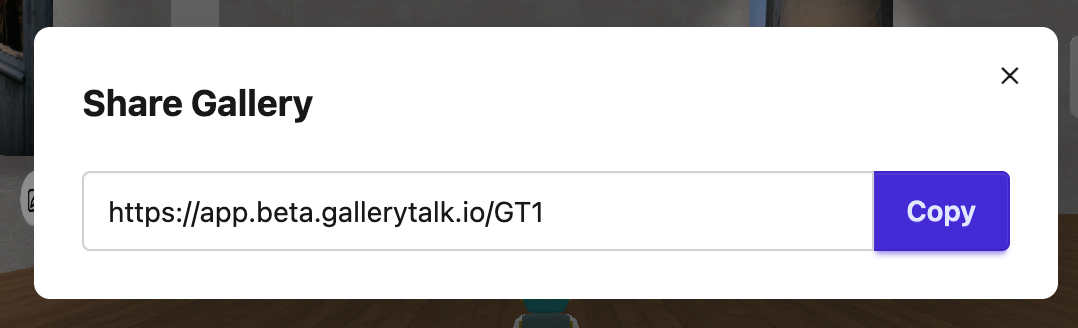
After creating your gallery, you get your own personal address — it looks like this:
You can share this link with anyone, at any time. Treat it like your own gallery door.
The control panel
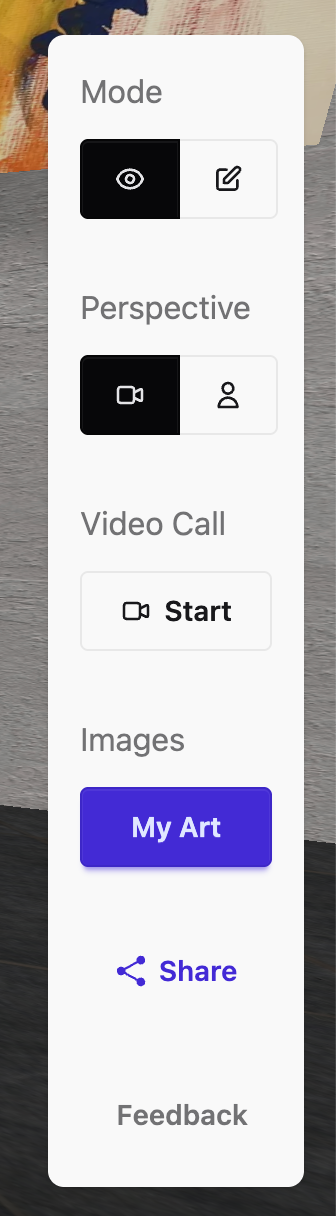
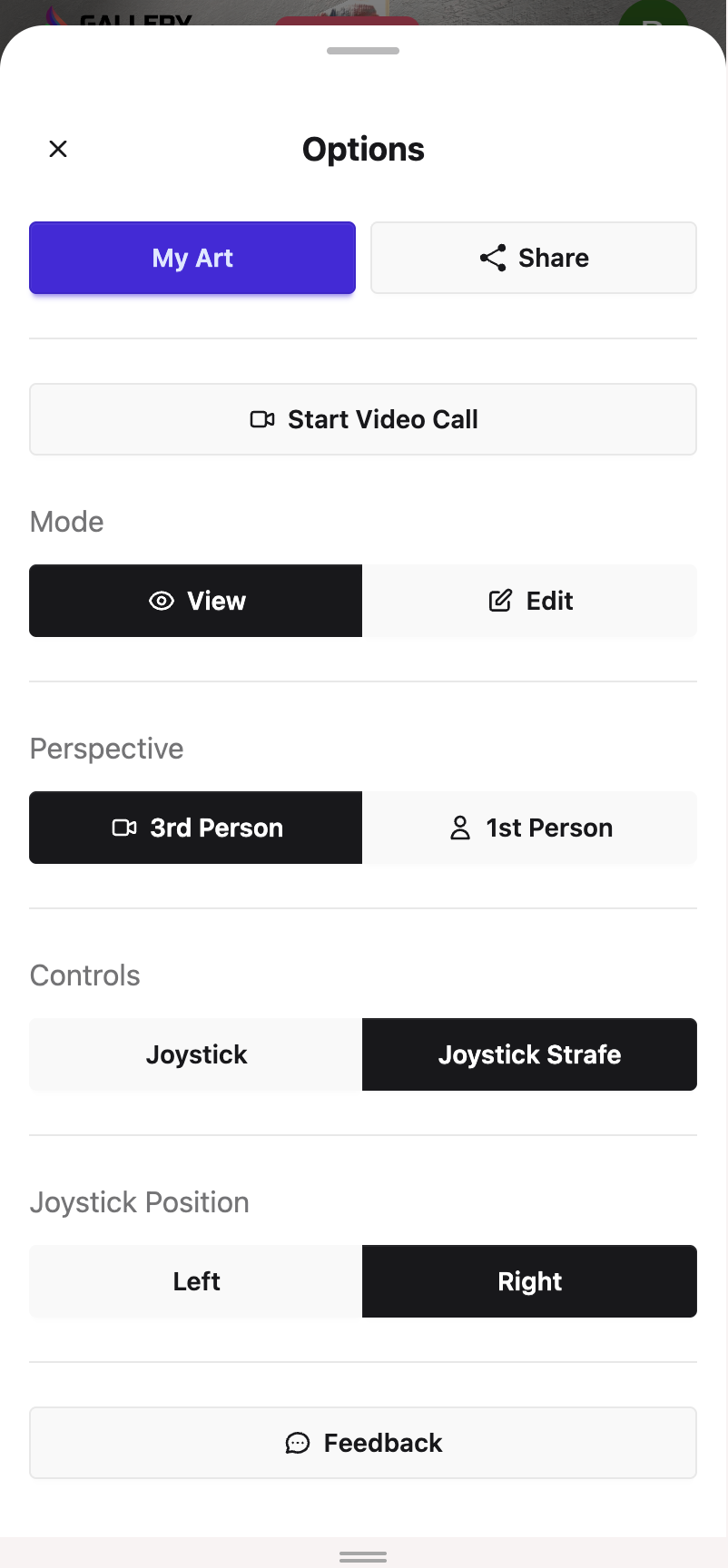
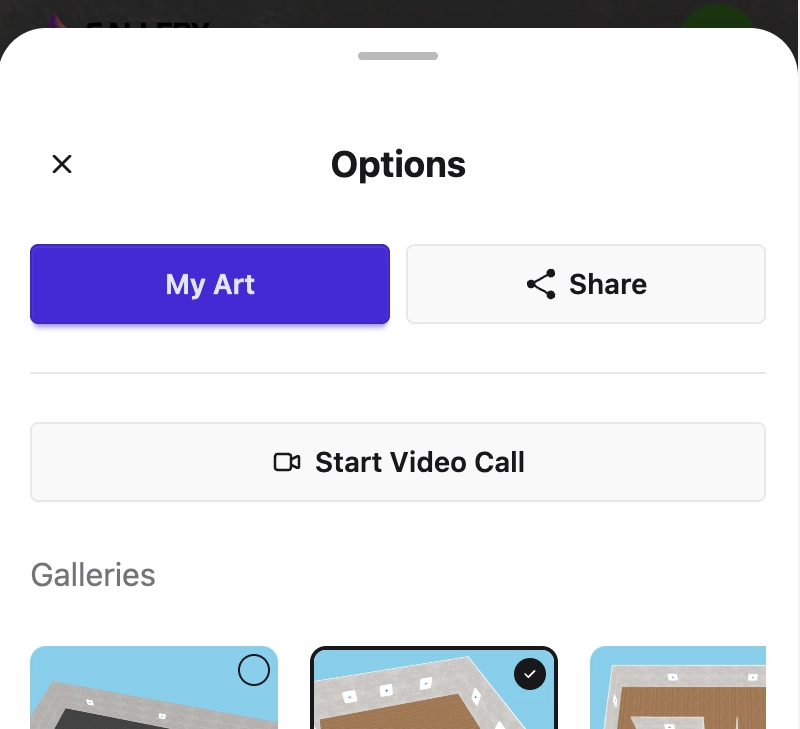
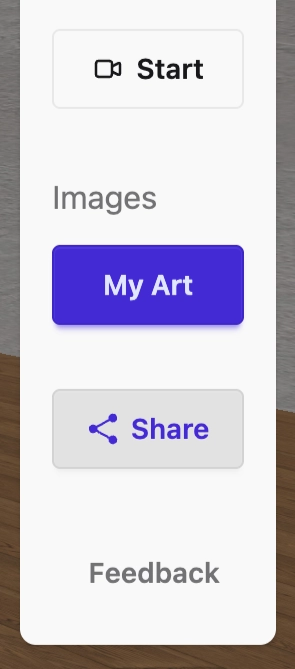
When you enter your gallery, you'll see a panel on the right side of the screen or, on mobile, the menu that opens when you press the brush button. This is your control center.
Desktop Panel
Mobile Menu

| Section | What it does |
|---|---|
| Mode | Switch between View mode (how visitors see your gallery) and Edit mode (where you make changes) |
| Perspective | Toggle between a cinematic camera view and your personal avatar view |
| Video Call | Start a live, face-to-face video call with visitors inside your gallery |
| My Art | Upload and manage your artworks |
| Share | Get your gallery link and share it directly |
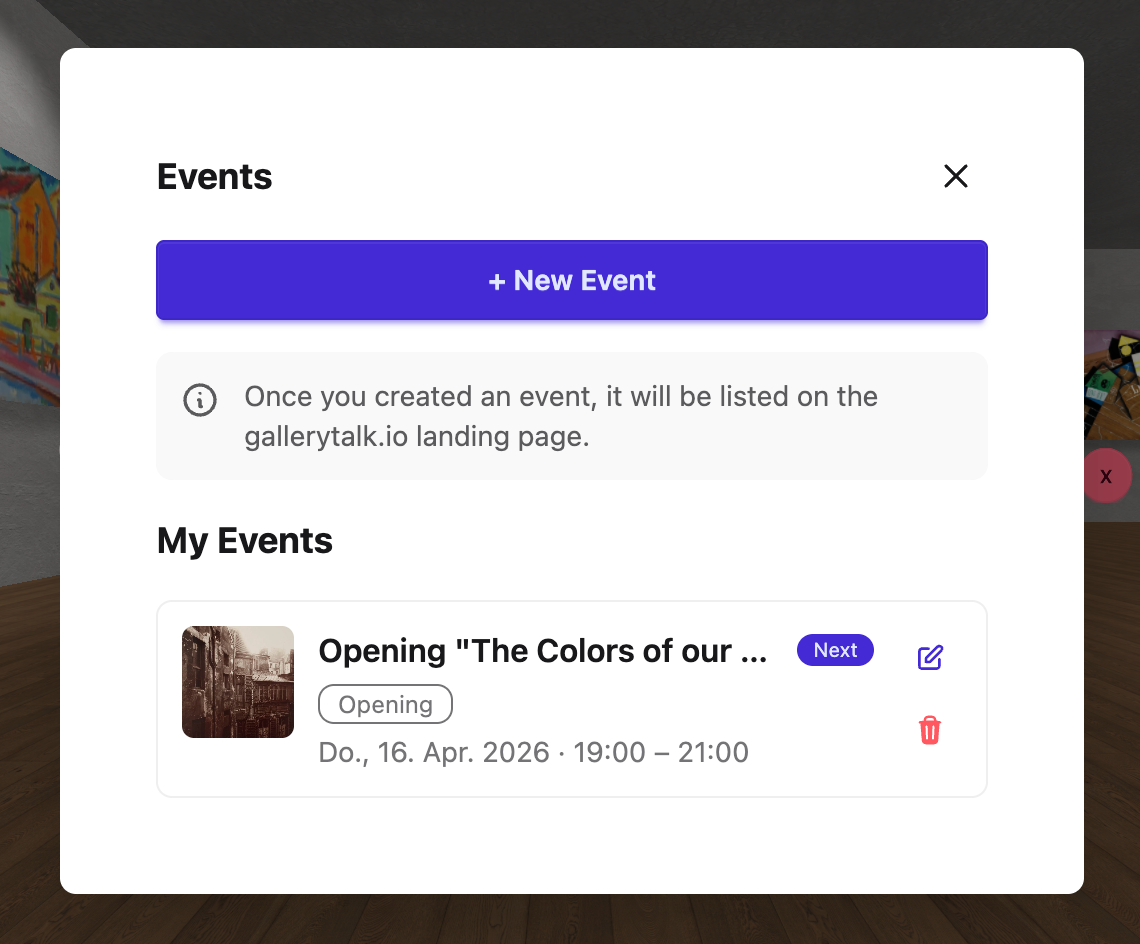
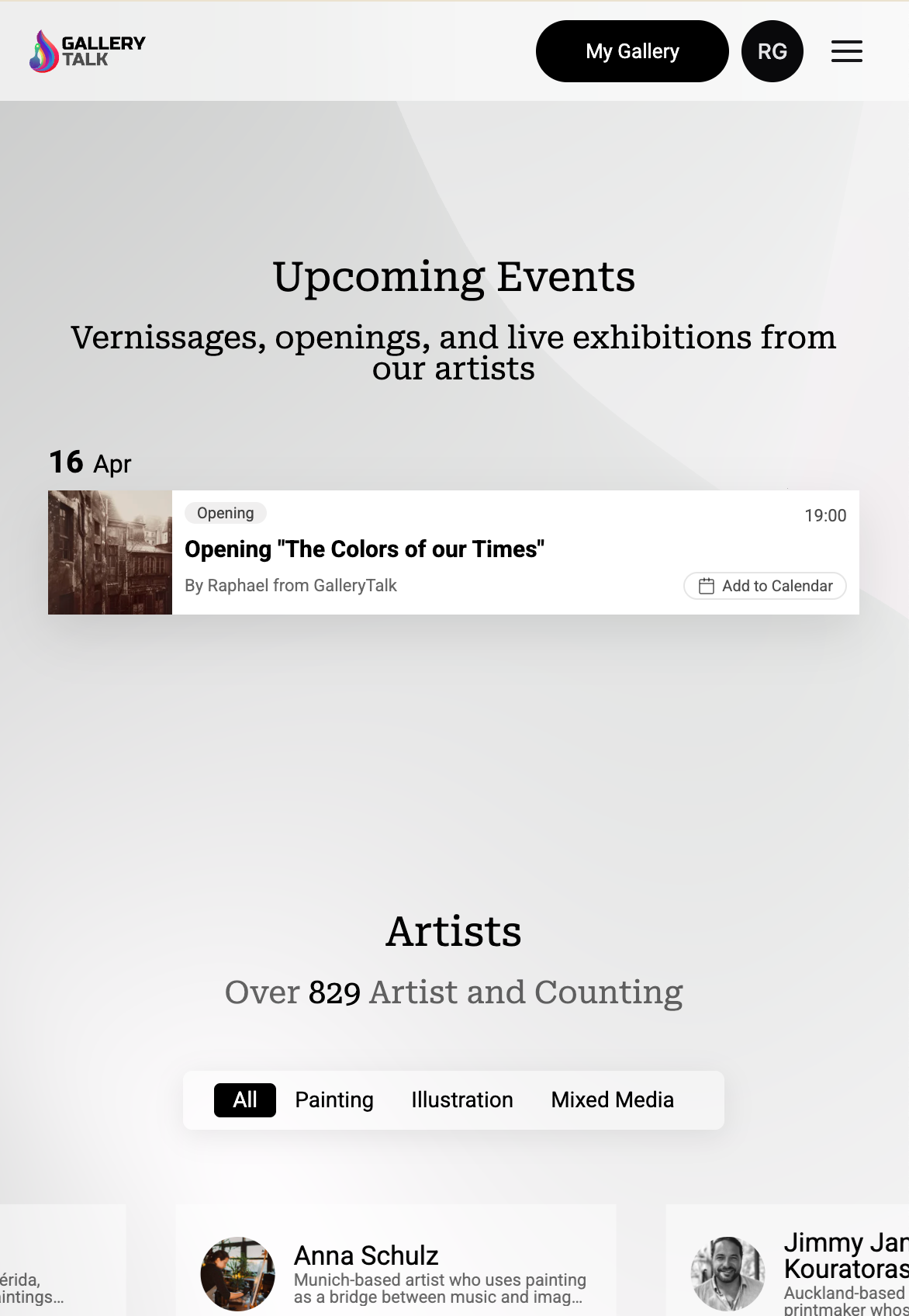
| Events | Create your events; they will be shown in the GalleryTalk.io Events section |
| Feedback | Send feedback to the GalleryTalk team |
You're ready to start building. 👇
Build Your Gallery
Your gallery is your space. Make it yours.
When you enter your gallery, you are in Edit mode by default. You'll see "+" slots on the walls — those are your artwork positions, ready to be filled.
Upload your artworks
Tap "My Art" in the panel on the right, then tap the upload area, or drag and drop your images directly. Once uploaded, your images appear in your library. Select one and tap "Next" to add the details.
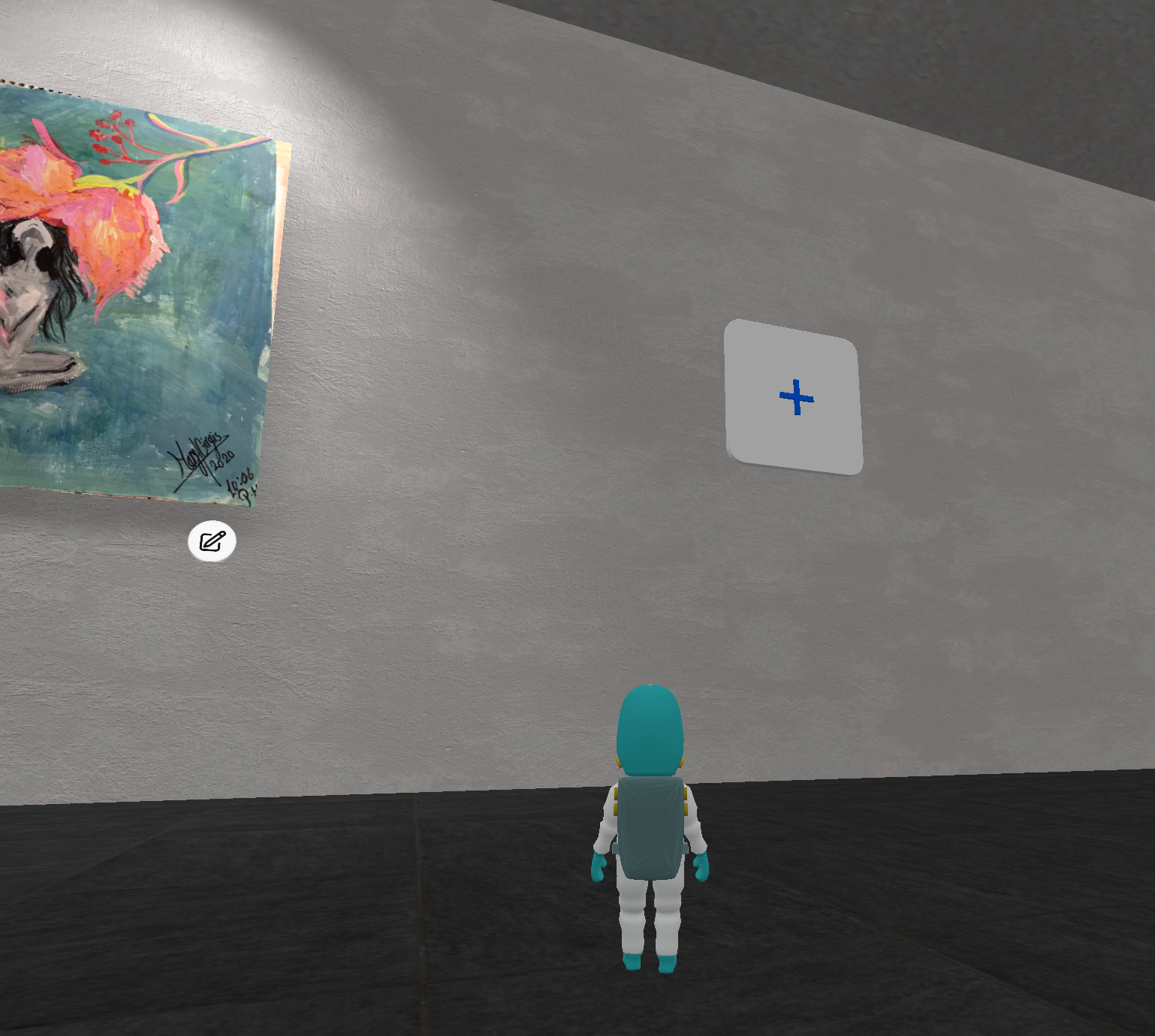
For each artwork, you can fill in:
- • Title — the name of the work
- • Description — the story behind the piece (optional, but worth it)
- • Dimensions — Width, Height, and Depth in cm
- • Edition — e.g. 1/10, Artist Proof
- • Medium — select from the dropdown
- • Technique — select from the dropdown
- • Price — with currency selector
When you're done, tap "Upload Image to Gallery" and the work appears on your walls.
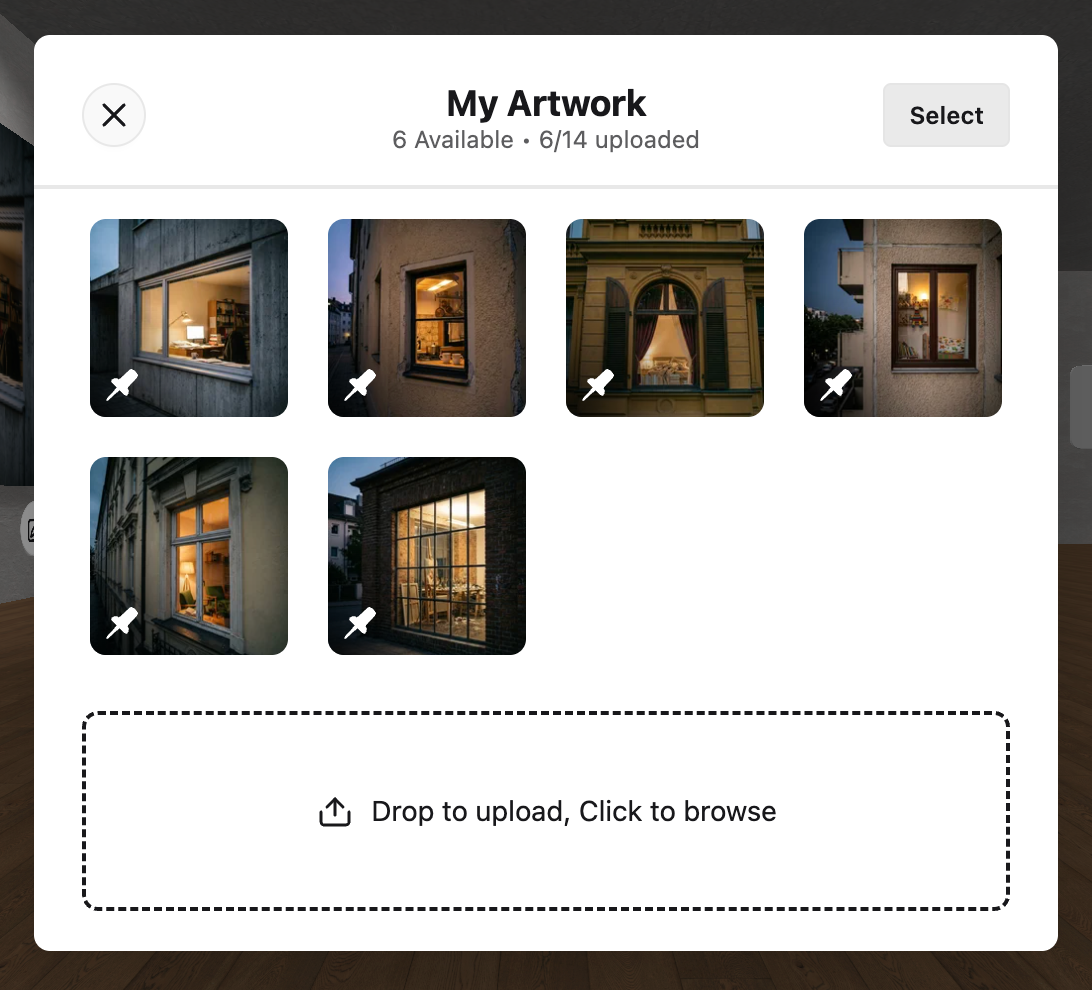
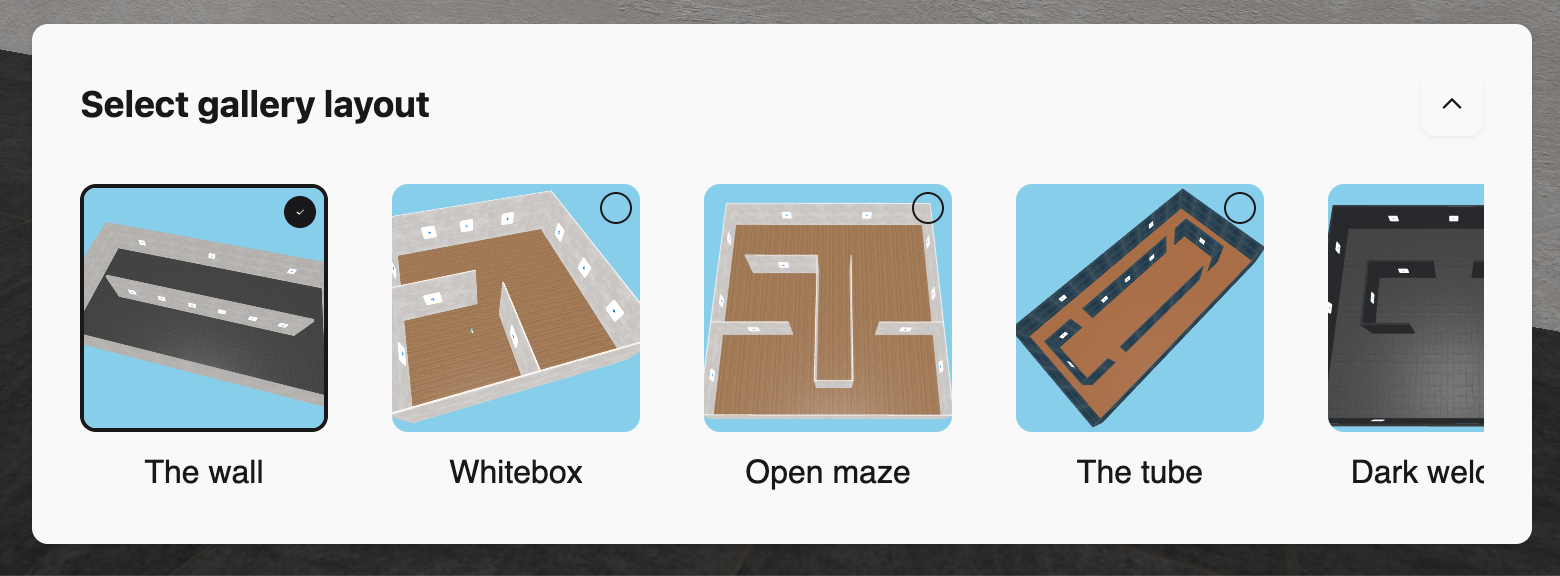
Choose your layout
At the bottom of the screen, you'll find the layout selector. Each layout gives your gallery a different shape and atmosphere.
Create Your First Event
An event is your digital opening night.
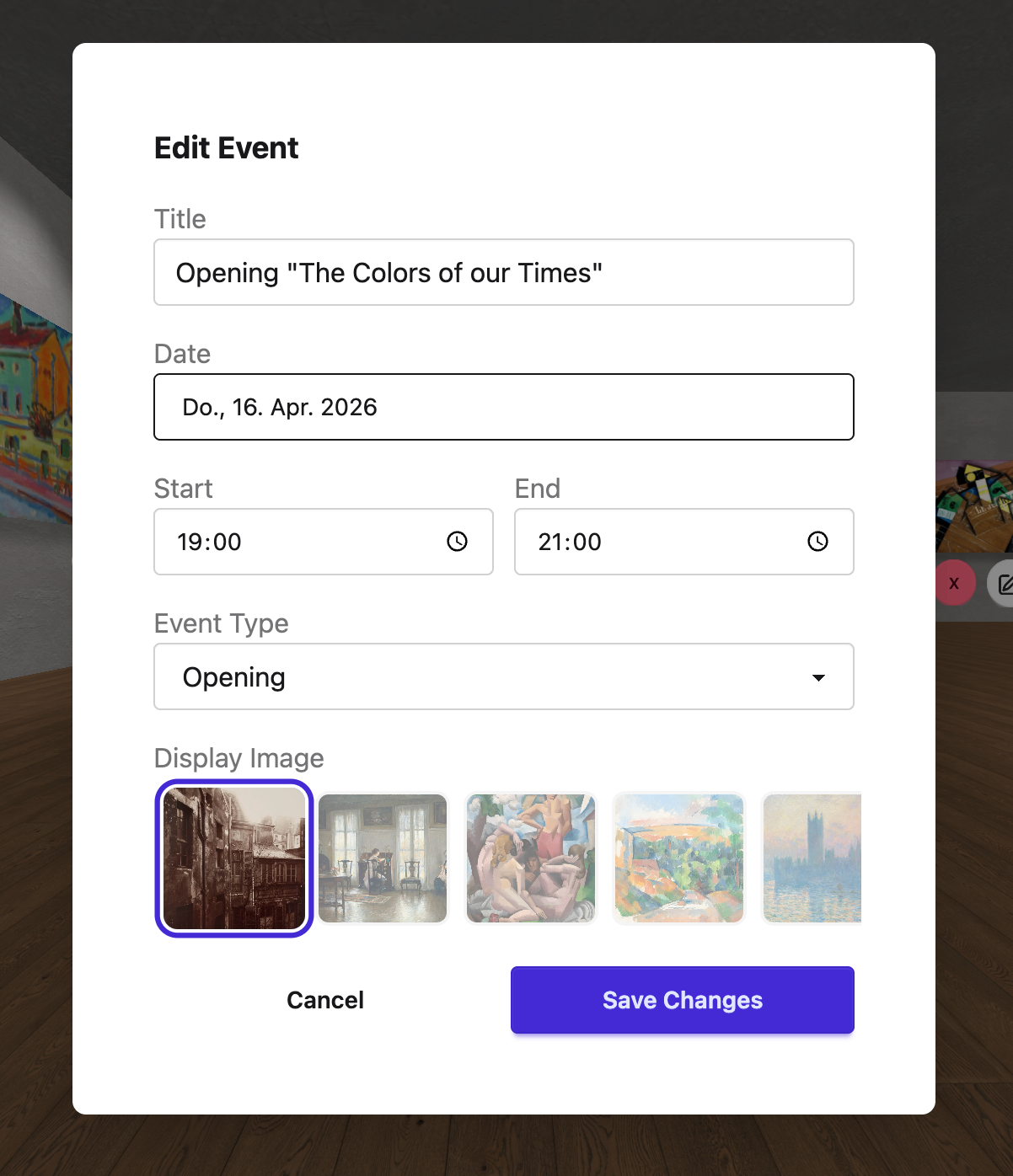
With GalleryTalk, you can create events — a moment in time when you invite people to visit your gallery and experience it together with you.
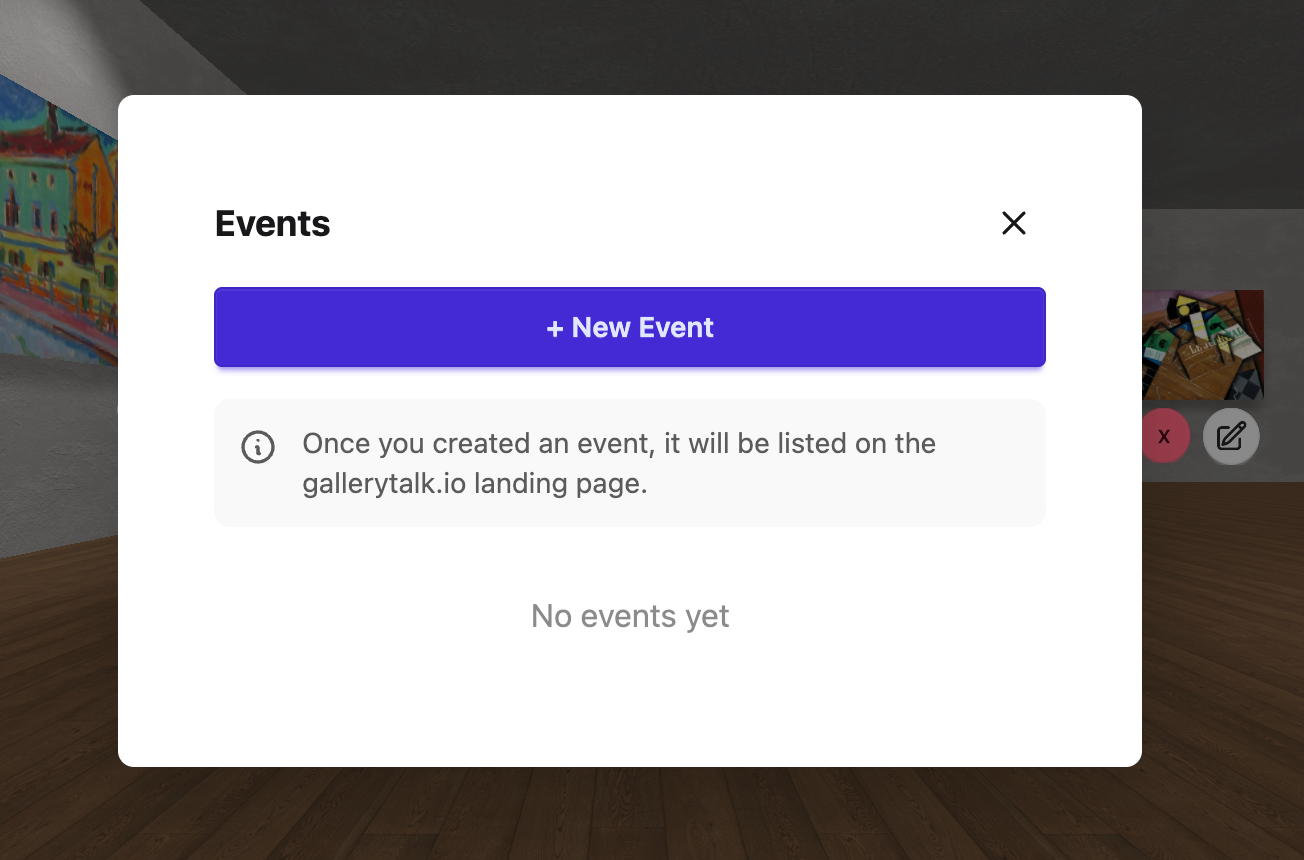
How to create an event
- 1. Tap the Event button in the panel on the right.
- 2. Set a date and time for your event.
- 3. Add a title — for example: "My First Opening — Come join me!"
- 4. Add a short description so visitors know what to expect.
- 5. Your event will get its own shareable link.
Once created, your event will also appear on the GalleryTalk.io homepage under the events section — so new visitors can discover you too.
What happens during an event?
When visitors arrive at your event link, they enter your gallery. You can be there to welcome them using the built-in video call feature. You'll see each other as avatars moving through the 3D space — and talk face to face.
Invite Your Visitors
Sharing is the most important step.
A beautiful gallery with no visitors is a missed opportunity. The good news: sharing takes 30 seconds.
Start with people you trust
Your first invite should go to friends, family, or fellow artists. Don't overthink it. A simple message works perfectly:
"Hey! I just opened my own digital gallery. I'd love to show you around — meet me here tonight at 7 PM: www.gallerytalk.io/yourname"
Feel free to copy and adjust. Just add your own gallery link. 😊
Use the built-in Share button
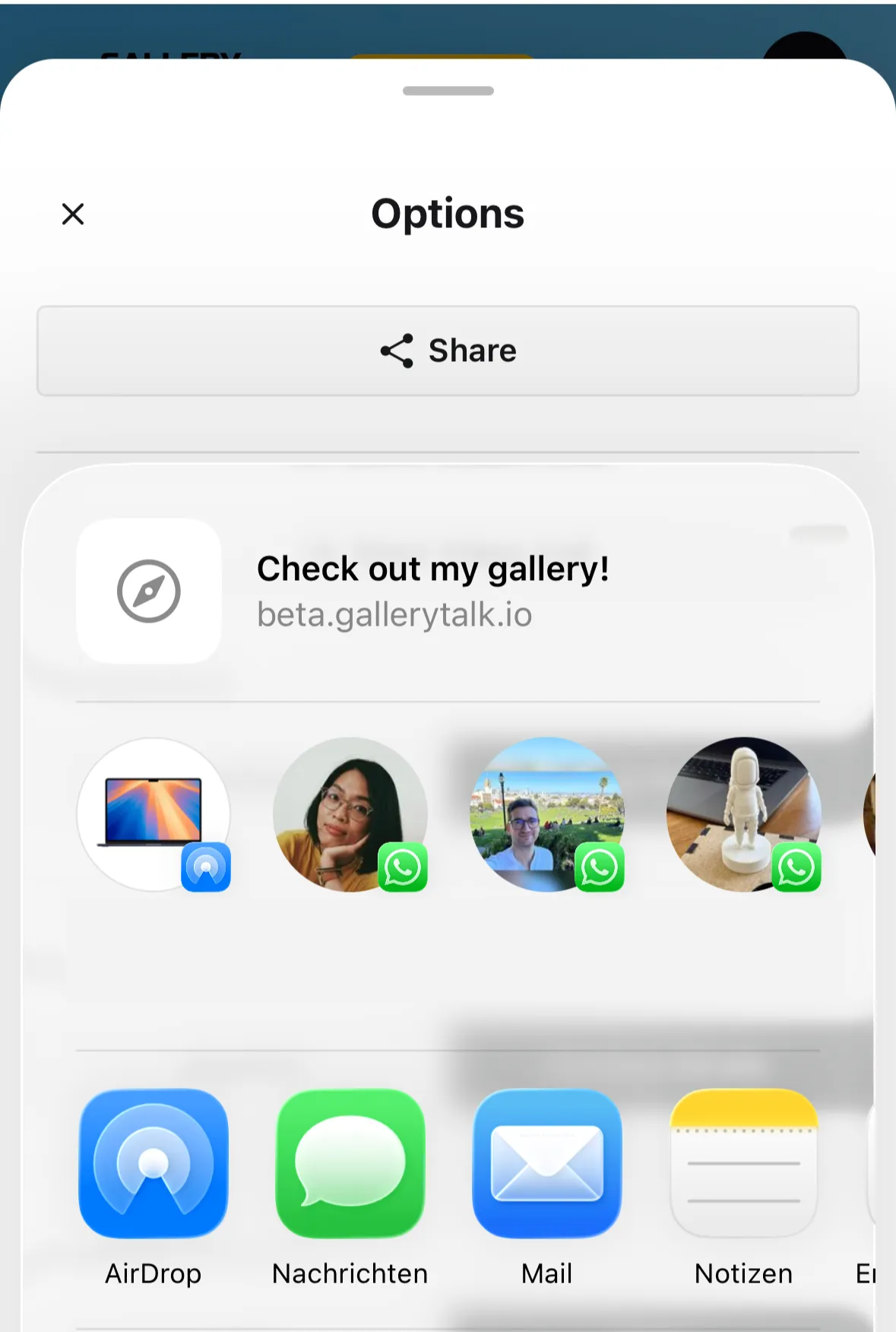
You'll find the Share button directly in the panel on the right — it gives you your gallery link in one tap, ready to send.
Desktop
Mobile
Share on social media
Post your gallery link on Instagram, Facebook, LinkedIn — wherever your audience is. You can share:
- • The link to your gallery
- • The link to a specific event
- • A short video or screenshot of what the gallery looks like inside
Create a digital flyer
Just like you would for a physical exhibition, create a digital flyer for your opening and share it as an Instagram Story, a WhatsApp Status, or a post. It takes 10 minutes and makes a big difference.
Your flyer can include:
- • The name of your exhibition
- • The date and time of your event
- • Your gallery link
- • A preview image of one of your artworks
Two free tools that make this easy:
- 🎨 Canva — the easiest option. Search for "Instagram Story" or "Event Flyer" and pick a template. Free to use.
- ⚡ Adobe Express — also free, great templates for social media and event announcements.
More ways to share
- • Add your gallery link to your email signature
- • Include it in your artist bio on Instagram or your website
- • Share it in art communities or local groups you're part of
Engage Your Crowd
The magic happens when you're there.
GalleryTalk is not just a gallery — it's a place to connect. Here's how to make visitors feel welcome and keep them coming back.
Be present — set "opening hours"
Think of it like a real gallery opening. Pick a time when you plan to be online and visible in your gallery. Let your visitors know in advance:
"I'll be in my gallery every Thursday from 7–8 PM — come by and say hello."
Post this on your social media or mention it in your event description.
Use the video call feature
When a visitor enters your gallery, you can start a live video call — face to face, right inside the 3D space. You appear as avatars walking together through the exhibition.
This is one of the most unique things about GalleryTalk. Use it to:
- • Give a personal tour
- • Answer questions about your work
- • Build a real connection with a potential buyer
Let visitors reach out to you
When a visitor clicks on one of your artworks, they'll see a small envelope icon in the bottom bar — that's the Contact the Artist button. It lets visitors send you a message directly.
Follow up quickly. A short, personal reply makes a big impression.
‼️ Bonus Guide ‼️
Step-by-Step Guide for Your First Event
A digital opening works best when you give it a light structure. Here's a format that works well — plan for 20 to 45 minutes.
Phase 1 · 5–10 min
Arrival — Let people settle in
Not everyone joins at the exact start time. Use the first few minutes to welcome people as they arrive. Start a video call and invite visitors in one by one. Say hello, answer questions, and give everyone a moment to get comfortable with the space. No rush.
Phase 2 · 5 min
Your introduction — Set the stage
Once most guests are in, introduce yourself and your exhibition. Tell them what to expect, how long the tour will take, and what you'd love them to experience. Keep it short and personal. People joined because of you — so let them see you.
Phase 3 · 10–20 min
The tour — Walk them through your work
Pick 2–5 artworks and walk people through each one. Not just what it is — but the story behind it. The creative process, the thought that sparked it, something funny that happened while you made it. The more visitors understand you, the stronger their connection to your work — and the higher the chance of a sale.
Invite questions as you go. Make it a conversation, not a presentation.
Phase 4 · 5–10 min
Q&A and open exploration — Stay a little longer
End with an open Q&A. Then invite people to explore the gallery on their own while you stay around. This is often where the best conversations happen.
Before people leave:
- • Share your contact information
- • Point them to the Contact the Artist button — the envelope icon that appears when they click on any artwork
- • Ask them to share your gallery with friends who might enjoy it
- • If you're comfortable with people taking screenshots, say so — it's free word-of-mouth
Copyright 2026, BonfireHQ GmbH